

Why AI output is rarely ready to use right away
Generative AI has made creating content faster. But often, it still takes time to get from the AI's artefact to the finished product you can confidently send or publish. Between the two, there is often a gap that has little to do with the content: the output isn't on brand: The artifact doesn't use the correct fonts, the wrong logo version is used, and spacing rules aren't followed. Almost every company has a corporate design that clearly defines all of this. But the AI usually doesn't know about it.
The usual workaround is a prompt, or perhaps a skill in which employees describe their brand. Or they attach the style guide as a PDF. That costs time, delivers inconsistent results, and ends up in feedback loops again that interrupt focused work.
The pattern isn't new. Word processors brought document templates, and presentation software brought the slide master. Whenever a new class of software hit the enterprise market, a solution was needed to ensure a consistent brand experience. So it only makes sense that enterprise AI solutions need an equivalent as well.
The design system: your brand as reusable knowledge in your workspace
A Design System in nuwacom is the answer to this. It contains your brand's visual identity and is stored centrally in your workspace. It includes colors, typography, logos, and graphics, as well as the guidelines for how each of them should be used. When you ask nuwacom for a document, a presentation or an app, the design system guides how the result looks.
This sets it apart from a classic template. It holds your brand identity, not a single layout, and the AI applies colors, fonts, and guidelines to everything your team creates, from a quote to an internal app. If you look after several brands or design directions, you create several design systems and activate or deactivate each one individually. nuwacom never mixes two design systems.
New to nuwacom? Start your free 7-day trial
Already have an account? Log in and open Design Systems.
How to build a design system in nuwacom
Open Design Systems and choose the starting point that fits you:
Upload existing brand materials, such as a style guide or a presentation.
Provide a crawlable website that the AI analyzes.
Describe your brand directly in chat.
Add assets manually in the panel on the right.
From this input, the AI develops a design system that you can review and edit further. Define your color palette, fonts and text styles in chat or add them directly; font files are uploaded separately.
Upload logos and graphics individually or extract them from your materials where the format is supported. The design guidelines describe how the elements should be used, and you can refine them in chat or edit them directly.
Use your brand directly in chat
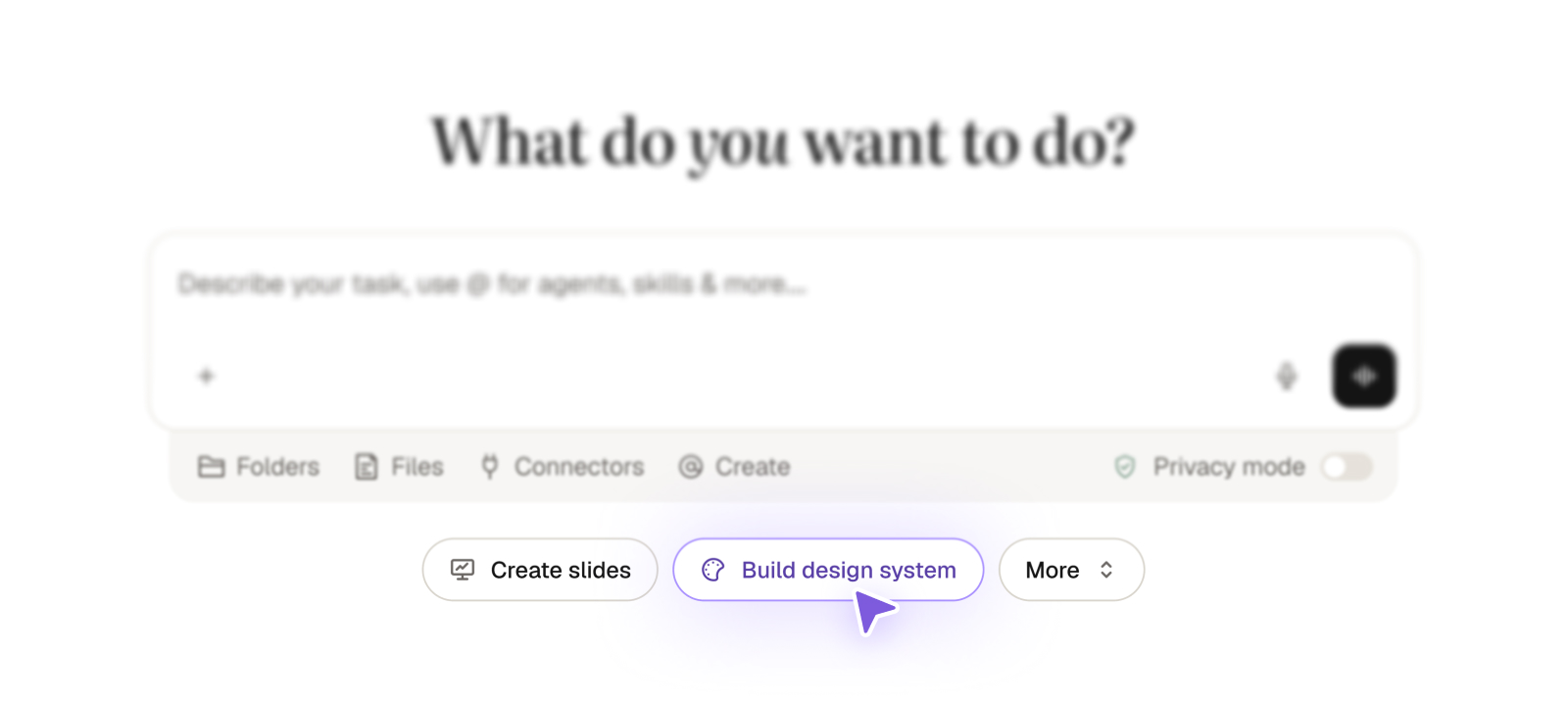
Select a design system through @ > Design Systems and describe what you want to create. The AI also applies enabled design systems automatically. If several are available and none is selected, nuwacom asks which one to use before it creates anything.
Missing context often decides whether a result stays generic or fits the task. That's why the new clarification dialog asks targeted questions before nuwacom creates content, with suggested answers to choose from and the option to continue without answering.
For on-brand documents and presentations, that can mean confirming the design system or the format you want. The dialog also helps with other tasks, so the result matches both your brand and your requirements.
Fonts and output quality: what to expect
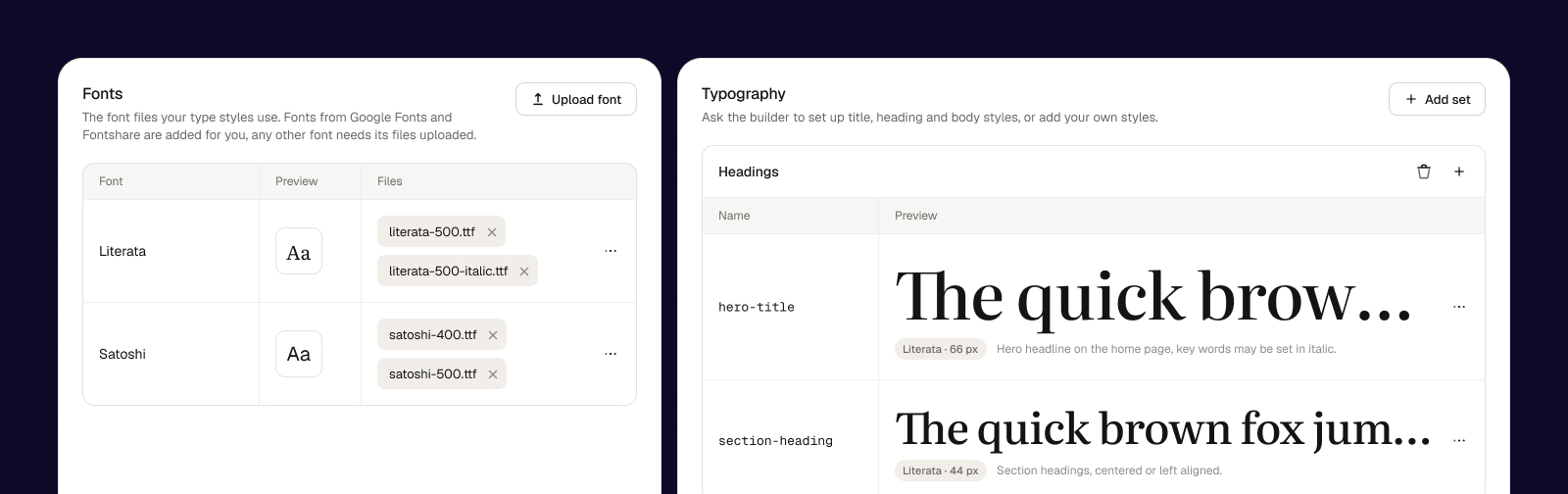
nuwacom retrieves freely available, license-free fonts, including suitable web fonts, automatically. Fonts that require a license must be uploaded separately as font files; until then, a default font is used.
Quality calls for an honest assessment. Documents, slides and apps are AI-generated, with your design system guiding their appearance. Results may vary and may not match an existing layout exactly. This release already brings a major improvement in quality, with documents, slides and apps that look great. We keep improving quality and how precisely your design guidelines are applied.
Learn more about the feature in our Help Center.
AI that knows your company
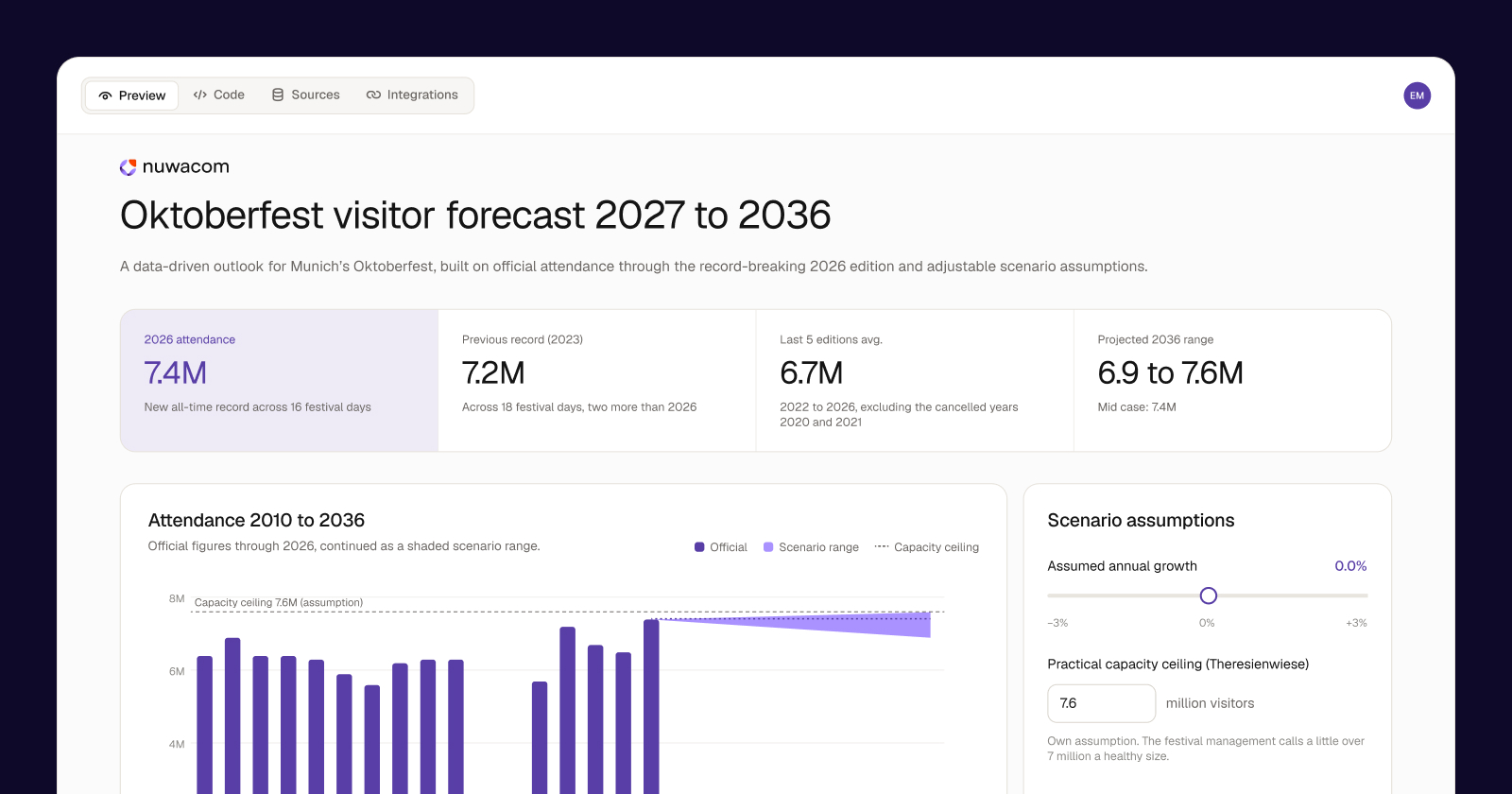
What excites me most about this release is how the different pieces are coming together. We're moving from AI that helps people with individual tasks to AI that truly understands how a company works. The design system is a good example, but not the only one.
Four developments feed into this:
AI that knows your brand: With design systems, documents, presentations and apps follow your corporate design as soon as a system is enabled. A big step toward AI-generated work that is ready to use.
AI that knows more and asks better questions: The clarification dialog asks when context is missing. Add faster knowledge access in Chat and web and Knowledge Base access for Skills. Less back and forth, better results.
Enterprise control without complexity: Model access by user and group and more detailed permissions for Docs, Slides and Email, plus Gemini 4 Argon as an EU-hosted model.
More flexibility, better integrations: Model switching directly in Chat, a reworked HubSpot connector with simpler setup, more reliable search and clearer error messages, and the new Personio connector for employee data, absences and working hours.
We're building an operating system for work where AI knows your company, follows its rules and gets real work done. Every release brings us closer to that vision. What I particularly like is that we're improving both sides at once: making AI easier for employees while giving organizations the control they need.
If you want to try it, start your free 7-day trial and open Design Systems.
At a glance
A design system brings your brand's colors, typography, logos, graphics and design guidelines together in your workspace.
Build it from a style guide, a presentation, a crawlable website or a description in chat, or add assets manually.
Select it via @ > Design Systems, or let the AI apply an enabled design system automatically.
nuwacom retrieves freely available, license-free fonts automatically.